Find the balance.
Exposure, contrast and saturation. Warmth and tint. Shadows and highlights. A monotone RGB tone curve and six-band HSL mixer for the colors that matter.
A native photography workspace
Bring out what you saw. Thoughtful editing tools, reversible decisions, and an original that stays yours.
A closer look
Real screens from the current builds. The desktop editor leads the way; mobile currently offers device and shared-folder setup.
The ARM64 and x64 builds are prepared. A genuine screenshot will follow Windows VM setup and runtime testing.
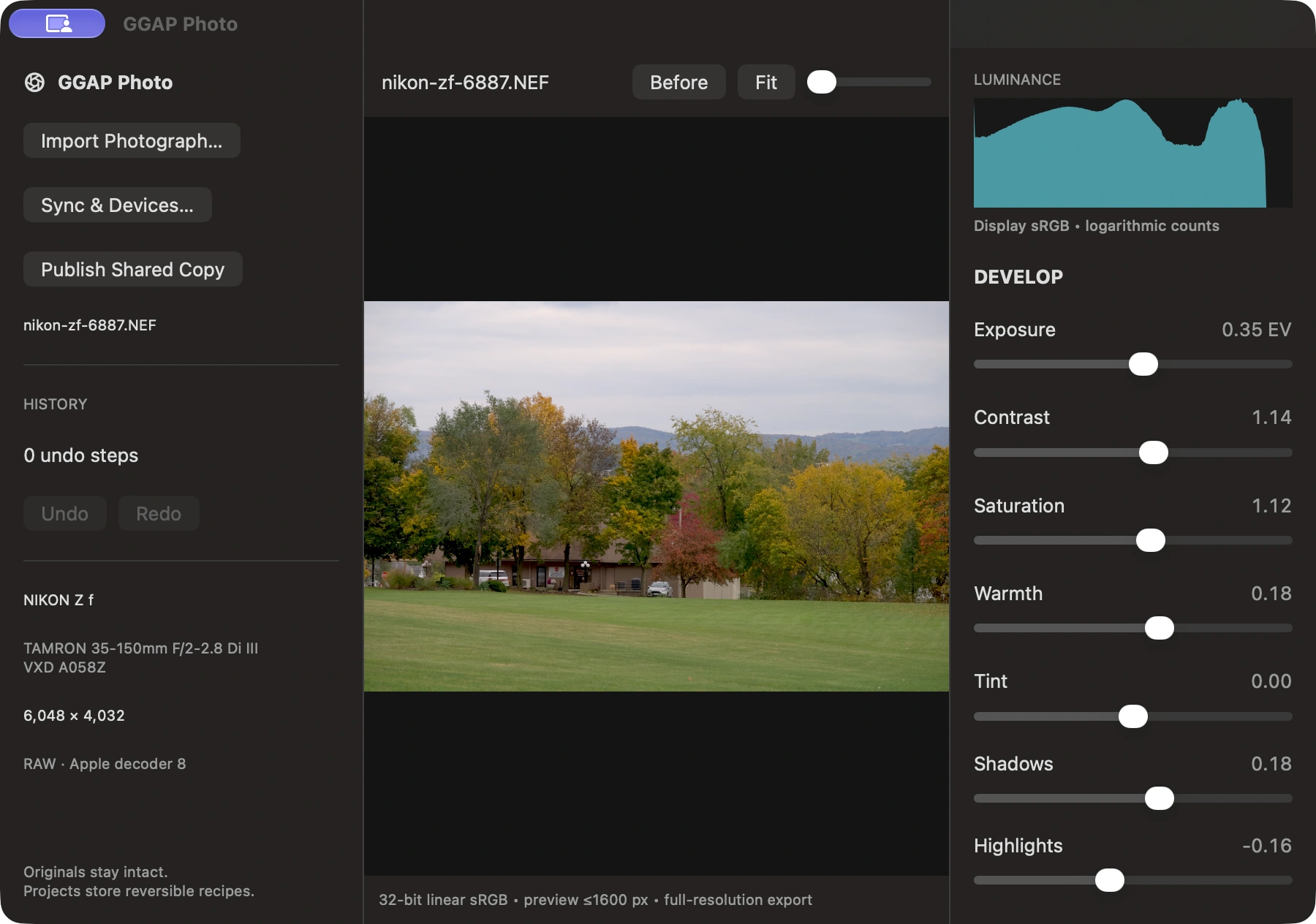
macOS / Native SwiftUI editor
Develop supported RAW, HEIC, JPEG, PNG and TIFF photographs with precise color, tone and composition controls. Keep the original and save the decisions.
Development preview · desktop editing implemented
Screenshots show development builds. iPhone, iPad and Android screens are setup foundations; mobile photo editing is still in development.
The desktop toolkit
From the first exposure correction to the final crop, work with the photograph—not against it.
Exposure, contrast and saturation. Warmth and tint. Shadows and highlights. A monotone RGB tone curve and six-band HSL mixer for the colors that matter.
Adjust conventional sharpening and noise reduction. Crop in original coordinates, rotate by 90°, compare before and after, and move through your undo history.
Nine editable recipes, from Natural Landscape to Black and White. Fine-tune every setting. On Mac, save and reload your own styles, or apply one recipe to a batch.
Precision under the surface. Float32 linear-sRGB processing, color-managed input and a luminance histogram on Mac. Export full-resolution sRGB JPEG or 16-bit TIFF.
Compare platform featuresSee the difference
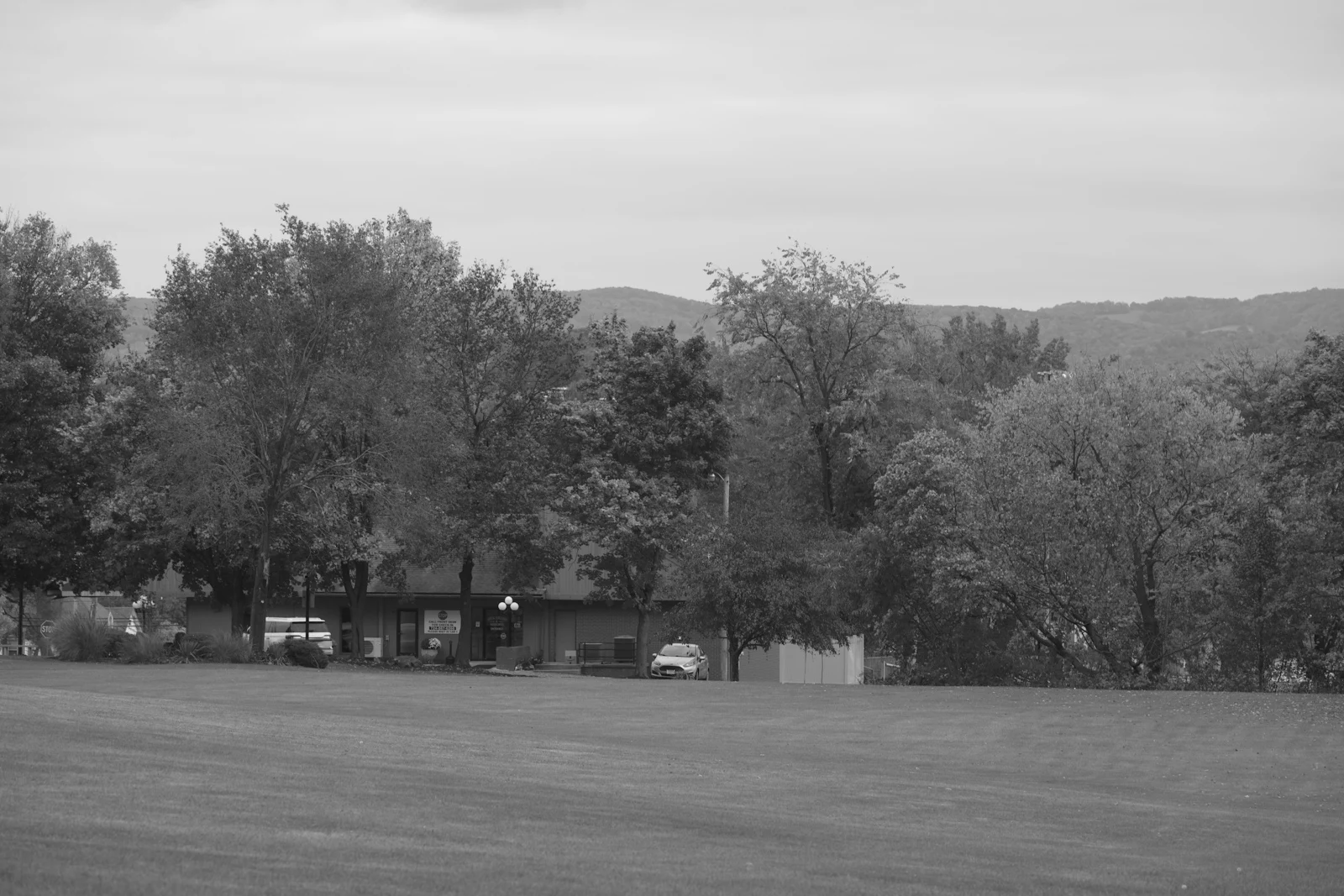
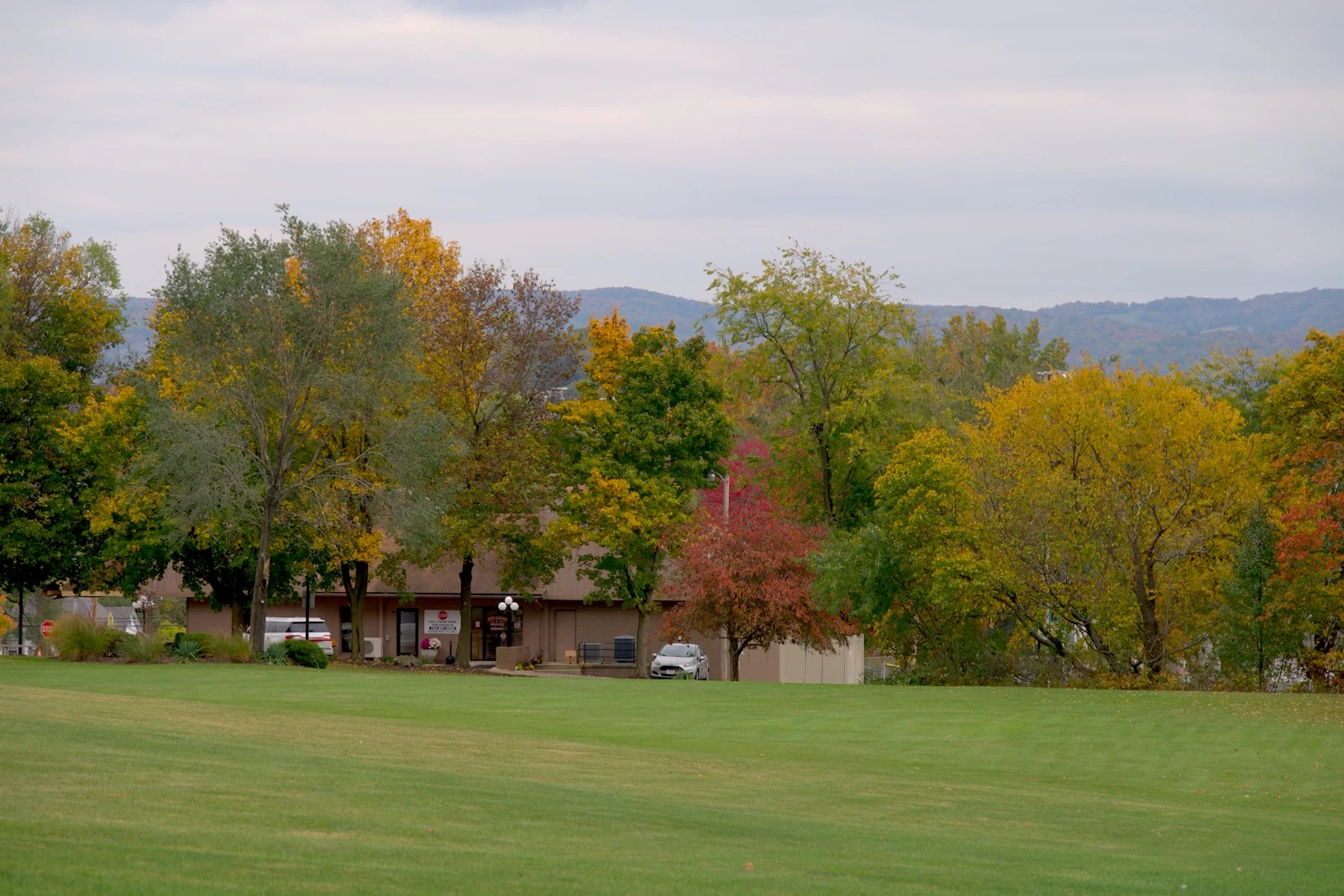
Slide between two renders made with the actual GGAP Photo engine. Tone, color and detail remain adjustable in your project.
Illustrative photo example, not a live editor. The developed version uses contrast, saturation, warmth, shadows and highlights.
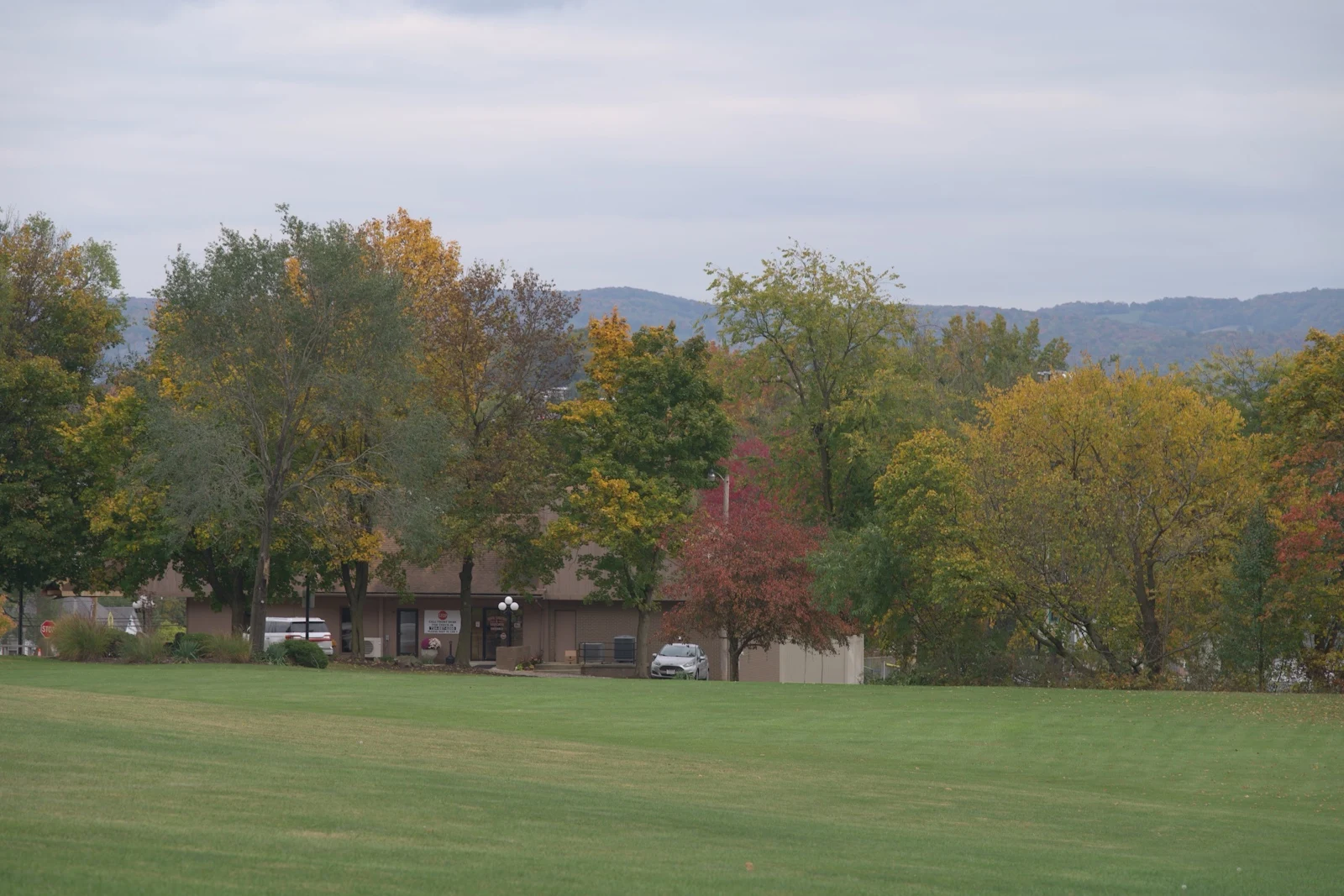
Photograph: Jonathan Hrovath / raw.pixls.us · CC0. Rendered examples use an exported JPEG from the public Nikon Zf sample.
Your hardware. Your choice.
All Apple? Start with iCloud Drive. An iPad, Windows computer and Android phone? OneDrive is the suggested fit. You always choose the service.
Recommended for Apple-only setups. Windows support needs iCloud for Windows.
Recommended for mixed Apple, Windows and Android hardware.
Bring another installed client, network share or folder available on your devices.
Every publish keeps earlier copies. Your installed service handles transport; GGAP Photo does not sign you in or upload photos through its own cloud.
An honest look at the current build
GGAP Photo is a development preview. Here is what is implemented now, and what is coming next.
| Capability | macOS | Windows | iPhone / iPad | Android |
|---|---|---|---|---|
| Exposure, color, curves & HSL | Implemented | Implemented | Planned | Planned |
| Detail, crop, rotate & history | Implemented | Implemented | Planned | Planned |
| Nine built-in styles | Implemented | Implemented | Planned | Planned |
| JPEG & 16-bit TIFF export | Implemented | Implemented | Planned | Planned |
| Histogram, custom styles & batch | Implemented | Planned | Planned | Planned |
| Supported RAW & HEIC import | System codecs | Planned | Not validated | Not validated |
| Shared-copy publishing | Implemented | Implemented | Setup only | Setup only |
| Device & provider selection | Implemented | Implemented | Foundation | Foundation |
“Implemented” describes the current development code, not a signed public release. Mobile screenshots show setup screens. End-to-end cloud transfer and physical mobile-device validation remain pending.
Mac opens JPEG, PNG, TIFF, system-supported HEIC and camera RAW supported by the installed Apple decoder. Actual Nikon Zf lossless, High Efficiency★ and High Efficiency NEF samples have been decoded at 6048 × 4032 on macOS 27.2. Other cameras are not advertised as validated without real samples. Windows currently opens JPEG, PNG, TIFF and BMP; RAW and HEIC support is still pending.
No. Projects store reversible adjustment recipes and undo history. Exports are separate files, and the app protects the source from being overwritten. Shared-copy publishing copies the original alongside the editable project. Save projects explicitly before closing; autosave and unsaved-close protection remain future work.
The current build uses conventional, adjustable image processing. On-device AI assistance, segmentation, masks, sky tools and advanced retouching are future work. No generative model or automatic model download is included in the current app.
Desktop exports render at full resolution in sRGB: JPEG at 8-bit or TIFF at 16-bit. Source metadata is omitted. The Mac preview is limited to 1600 pixels, so its zoom is not a full-resolution detail loupe. Current image processing has a 40-megapixel input limit and uses full-frame decode/export buffers.
GGAP Photo has no account requirement. A shared-folder service needs its own separately installed client and account. Choose iCloud Drive, OneDrive, Dropbox or a custom folder available to your devices. Each publish creates an independent snapshot; there is no automatic merge or deletion.
Not yet. The current iPhone, iPad and Android apps are foundations with device/provider choices and folder selection. Touch photo editing, project browsing and mobile rendering parity are still being developed.
“not everyone has professional equipment, not everyone has professional knowledge, but everyone should be able to take professional photos”
Made for the way you see